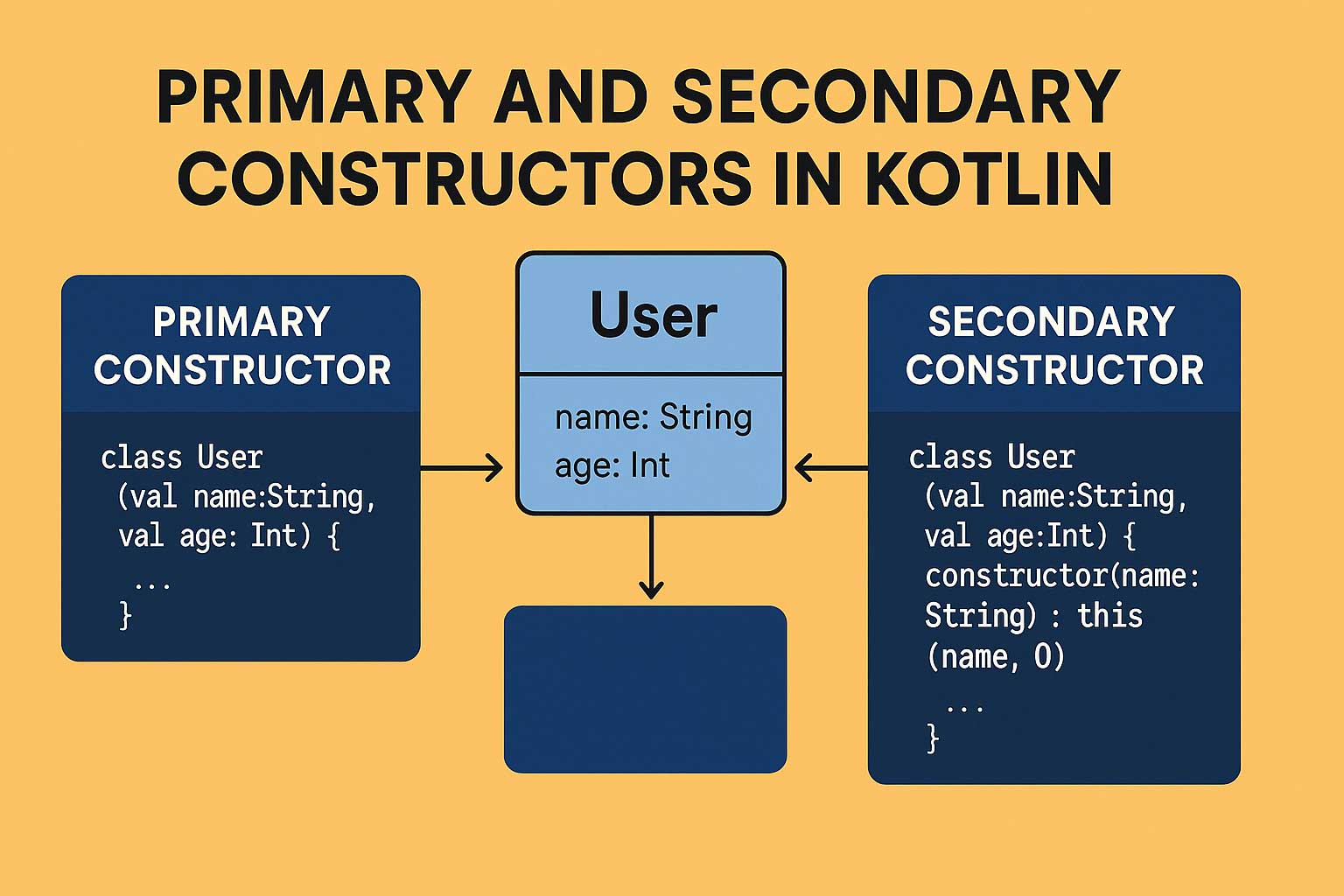
If Kotlin were a cool apartment complex, then constructors would be the different ways you enter the building.
- Primary constructor → The main entrance.
- Secondary constructors → Side doors you use for special situations.
And just like any good building, Kotlin lets you choose how you want to enter—simple or flexible.
In this article, we’ll break down both constructors with super-friendly explanations and real-world examples (plus a Jetpack Compose analogy you’ll love).
🏗️ What Is a Constructor, Really?
A constructor is a piece of code that runs when you create an object.
val user = User("Amit", 44)
Here, User("Amit", 44) calls a constructor that sets up the object with initial values.
🎯 The Primary Constructor — Kotlin’s Default, Simple Door
The primary constructor is:
- Declared in the class header
- Meant for simple initialization
- Often used with
init{}block - Most common in Kotlin-friendly Android and backend code
🧱 Basic Example
class User(val name: String, val age: Int)
That’s it! Kotlin automatically creates:
- A constructor
- Class properties (
name,age) - And handles everything else cleanly
🛠️ Using init Block
If you want to run extra code when the object is created:
class User(val name: String, val age: Int) {
    init {
        println("User created: $name, age: $age")
    }
}
🌟 Real-World Analogy: Jetpack Compose
Think of a Composable function:
@Composable
fun UserCard(name: String, age: Int) { ... }
This is like a primary constructor:
- You pass required data upfront
- It initializes the UI
- It’s clean and predictable
🔄 Secondary Constructors — When You Need Another Way In
A secondary constructor is:
- Defined with the
constructorkeyword - Useful when you need multiple ways to create an object
- Must always call the primary constructor (directly or indirectly)
- Great for backward compatibility or optional params
🧱 Basic Example
class User(val name: String, val age: Int) {

    constructor(name: String) : this(name, 0) {
        println("Age not provided, setting default to 0")
    }
}
Now you can write:
val u1 = User("Amit", 44)   // primary constructor
val u2 = User("Amit")       // secondary constructor
🎮 Real-World Example: A Game Character
🏰 Class with primary + secondary constructors
class Player(val username: String, val level: Int) {

    constructor(username: String) : this(username, 1) {
        println("New player! Starting at level 1.")
    }
}
If a player logs in fresh:
val newbie = Player("Knight007") // starts at level 1
If user progress was restored:
val pro = Player("Knight007", 34) // skips default
💡 Why Primary Constructor Is Preferred in Kotlin
Kotlin encourages clean, concise code. That’s why primary constructors work great when:
- Your class only needs required parameters
- Most objects follow one standard way of creation
- You don’t want unnecessary extra logic
Secondary constructors are good for:
- Special initialization paths
- Backward compatible API design
- Bridging with Java code
- Adding helper creation patterns
📦 Jetpack Compose Example (Constructor Analogy)
Imagine a UI card component for products:
@Composable
fun ProductCard(name: String, price: Double) { ... }
This is like your primary constructor.
Now consider a case where you sometimes don’t have price yet:
@Composable
fun ProductCard(name: String) {
    ProductCard(name, price = 0.0)
}
Boom! That’s the secondary constructor equivalent — another entry point.
🥊 Primary vs Secondary Constructors (Quick Comparison)
| Feature | Primary Constructor | Secondary Constructor |
|---|---|---|
| Location | Class header | Inside class body |
| Keyword | No keyword | Uses constructor |
| Init logic | init{} block | Can have its own block |
| Must call primary | ❌ Not required | ✔️ Always |
| Use case | Standard creation | Extra ways of building an object |
🎉 Final Thoughts
Kotlin constructors are beautifully flexible. The primary constructor keeps your code short and readable, while secondary constructors give you additional control when needed.
In Android development—especially Jetpack Compose—you’ll rely heavily on primary constructors, but you’ll appreciate secondary ones when creating helper classes, model builders, or Java-compatible structures.
Leave a Reply