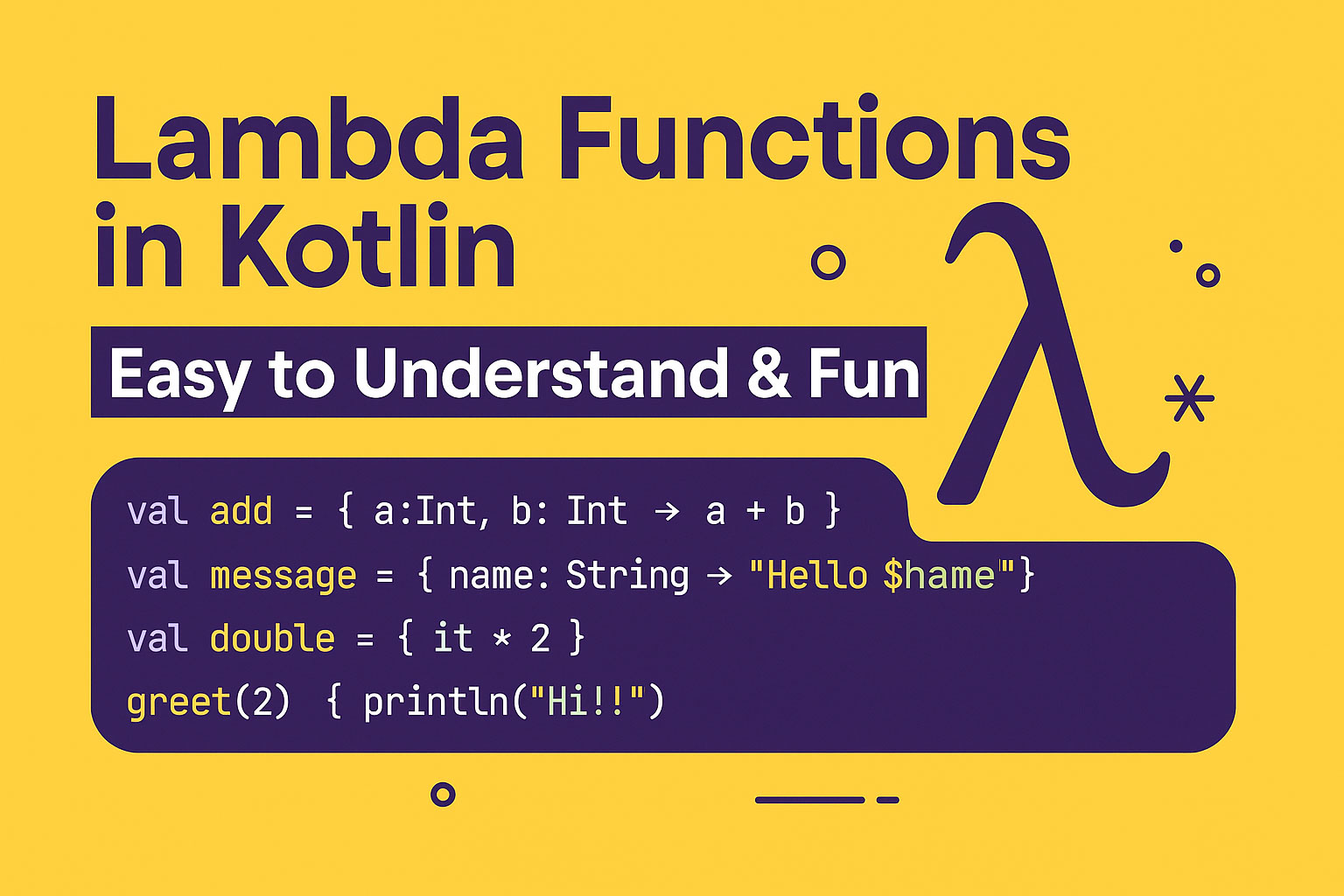
If you’ve started learning Kotlin — especially for Android or Jetpack Compose — you’ve definitely bumped into lambda functions.
They show up everywhere. Sometimes they’re cute and helpful. Sometimes they look like hieroglyphics.
But don’t worry — by the end of this article, you’ll understand:
✔️ What lambda functions are
✔️ How to use them (with super simple examples)
✔️ Returning values from lambdas
✔️ Lambdas that return Unit
✔️ What the magical keyword it means
✔️ What the heck trailing lambdas are (with real-world Jetpack Compose examples)
Let’s begin!
🎯 What Is a Lambda Function in Kotlin?
A lambda function is basically a short, anonymous function — a function without a name.
Think of it as a mini-function you can pass around like a variable.
Syntax:
val add = { a: Int, b: Int -> a + b }
You can call it like a normal function:
println(add(10, 5)) // 15
🧁 Why Do We Even Need Lambdas?
Because writing full functions everywhere gets boring:
fun greet(name: String): String {
    return "Hello $name"
}
Instead:
val greet = { name: String -> "Hello $name" }
Less typing → more fun → fewer tears.
🟩 1. Basic Lambda Examples
1. Lambda with parameters:
val square = { n: Int -> n * n }
println(square(4))  // 16
2. Lambda with no parameters:
val sayHello = { println("Hello Kotlin!") }
sayHello()
3. Lambda stored as a function type:
val multiply: (Int, Int) -> Int = { x, y -> x * y }
🟦 2. Return Values in Lambdas
In Kotlin lambdas, the last line is automatically the return value — no return keyword needed.
val message = { name: String ->
    val upper = name.uppercase()
    "Hello $upper"
}
Return value = "Hello AMIT"
🟨 3. Lambdas That Return Unit
Unit = “nothing meaningful is returned”
It’s Kotlin’s version of void.
Example:
val logMessage: (String) -> Unit = { msg ->
    println("LOG: $msg")
}
Usage:
logMessage("App started")
If you don’t specify return type, Kotlin figures it out:
val doSomething = {
    println("Doing something important...")
}  // returns Unit implicitly
🟧 4. Understanding it — Kotlin’s Favorite Keyword
If your lambda has only one parameter, you don’t need to name it. Kotlin automatically names it it.
Example WITHOUT it:
val double = { x: Int -> x * 2 }
Example WITH it:
val double = { it * 2 }
Cleaner. Simpler.
Real-world analogy:
Instead of saying:
“Give this apple to the fruit-checker, and the fruit-checker will inspect the apple”
You say:
“Give it to the fruit-checker, they’ll inspect it.”
🟪 5. Trailing Lambdas — The Most Confusing Kotlin Feature (Explained Simply)
✔ First, the basic idea:
If the last argument of a function is a lambda,
you can put the lambda outside the parentheses.
Normal way:
repeat(3, { println("Hello") })
Trailing lambda way:
repeat(3) {
    println("Hello")
}
Much cleaner!
🍕 Trailing Lambda — Simple Example
Without trailing lambda:
fun greet(times: Int, block: () -> Unit) {
    repeat(times, block)
}

greet(2, { println("Hi!") })
With trailing lambda:
greet(2) {
    println("Hi!")
}
Better for readability.
📱 Trailing Lambdas in Jetpack Compose (Real Example)
Compose uses lambdas everywhere because UI is declarative.
Example 1 — Button
Button(onClick = {
    println("Button clicked!")
}) {
    Text("Click Me")
}
Notice:
onClickis a lambda- The content of the button (children UI) is also a lambda
- This is why Compose reads like a storybook
Same thing but cleaner:
Button(onClick = { println("Clicked!") }) {
    Text("Click Me")
}
Here, the trailing lambda is the button content.
🔥 Real-World Jetpack Compose Example (Explains Trailing Lambda Clearly)
Imagine a card UI:
Card(
    modifier = Modifier.padding(16.dp),
    elevation = 8.dp
) {
    Column(Modifier.padding(16.dp)) {
        Text("Welcome Amit!")
        Text("Jetpack Compose loves lambdas.")
    }
}
The last curly block:
{
    Column(...) { ... }
}
👉 That’s a trailing lambda providing the UI content for the card.
Compose = functions + trailing lambdas = flexible UI.
🧠 Summary (You’re Now a Lambda Pro)
| Concept | Meaning |
|---|---|
| Lambda | Anonymous mini-function |
| Return in lambda | Last line = return value |
| Unit return | Lambda returns nothing (like void) |
it keyword | Auto-name for single-parameter lambdas |
| Trailing lambda | Move last lambda parameter outside parentheses |
| Compose usage | Everything in Compose is built with lambdas |
🎉 Final Thoughts
Kotlin lambdas may look intimidating at first, but once you get used to them, they make your code:
- shorter
- cleaner
- easier to read
- perfect for Jetpack Compose
Now that you understand them, Compose UI will suddenly start making a LOT more sense.
Every {} block you see? Yep — it’s all lambdas!
Leave a Reply