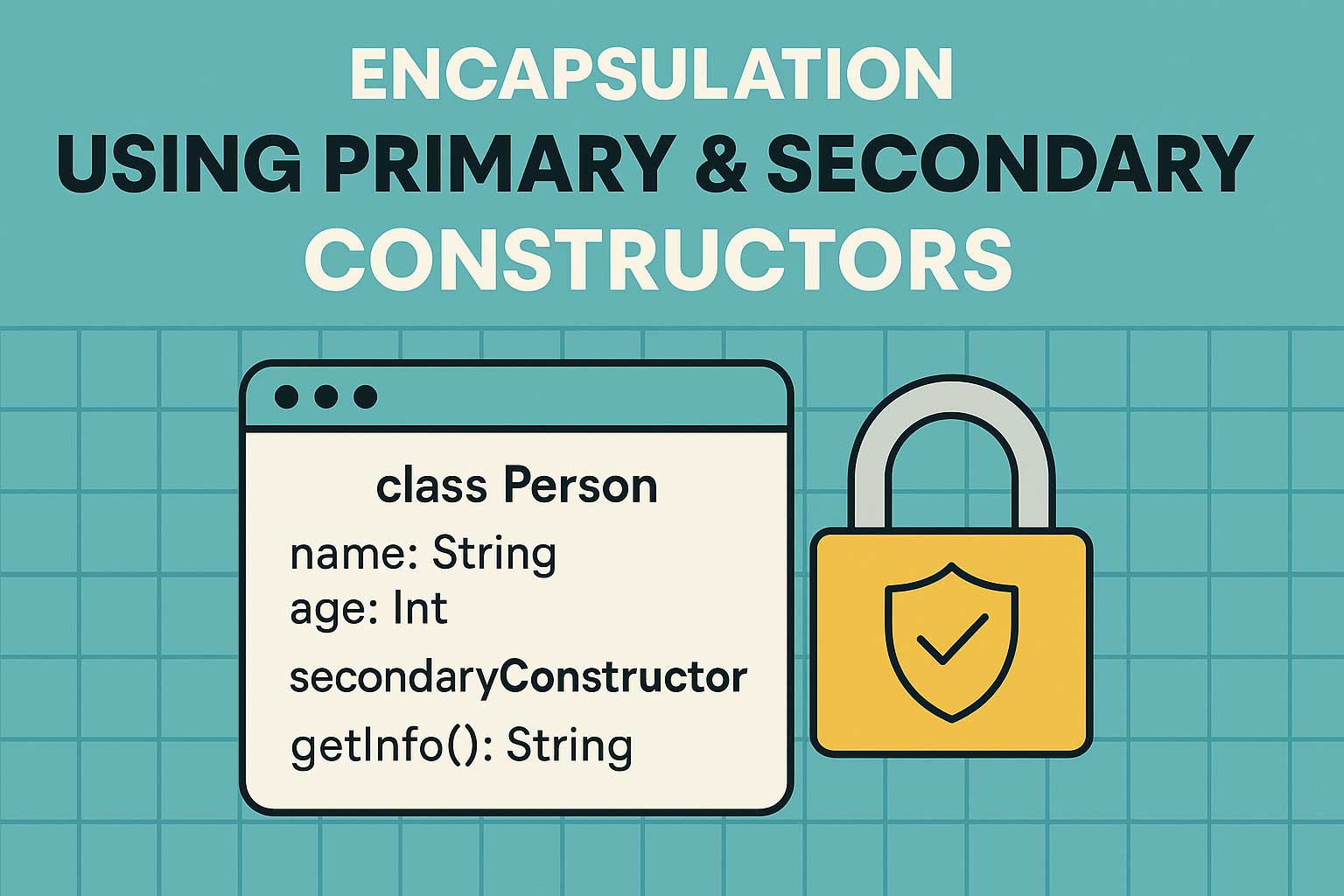
Kotlin gives us two superpowers right inside the class definition:
👉 Primary constructors
👉 Secondary constructors
But when you combine these constructors with encapsulation, your class suddenly becomes well-structured, cleaner, and safer.
Think of it like building a house:
- The primary constructor is the foundation.
- The secondary constructor is an extra entry gate.
- Encapsulation is the lock on your doors — you decide who can access what.
Let’s explore how these three concepts work together.
🧱 What is Encapsulation (In Simple Words)?
Encapsulation means protecting the data of your class so nobody outside the class can mess with it directly.
Real-world analogy:
You don’t let everyone walk into your kitchen and change the salt-sugar jars.
You keep them in a cupboard (private) and allow access through controlled actions (public functions).
In Kotlin, we encapsulate using:
private→ only accessible inside the classprotected→ accessible inside the class & subclassesinternal→ accessible inside the modulepublic→ accessible everywhere (default)
🧱 How Primary Constructors Help Encapsulation
A primary constructor allows you to define class properties right at the top, neatly and safely.
✔ With private modifier, we fully encapsulate the data.
class Student(private var name: String, private var age: Int) {

    fun getDetails(): String {
        return "$name is $age years old"
    }
}
Here:
- Both
nameandageare hidden from the outside world. - Access is only allowed through
getDetails().
Usage:
val s = Student("Amit", 25)
println(s.getDetails())   // Amit is 25 years old
// s.age = 30 ❌  Not allowed — encapsulation working!
🏠 Why Use a Secondary Constructor Then?
A secondary constructor is like giving an extra way to create objects with different inputs.
You use secondary constructors when:
- You need default values
- You want to create the object with additional logic
- You want to allow multiple ways of creating a class instance
🏠 Encapsulation + Secondary Constructor = Cleaner Initialization
Example:
You want users to optionally provide an email. But still keep the data private.
class User private constructor(
    private var username: String,
    private var email: String?
) {

    // Primary constructor (private to control creation)
    companion object {
        fun createWithUsername(username: String): User {
            return User(username, null)
        }

        fun createWithUsernameAndEmail(username: String, email: String): User {
            return User(username, email)
        }
    }

    fun getProfile(): String {
        return "Username: $username | Email: ${email ?: "Not Provided"}"
    }
}
Here’s what’s happening:
- The real constructor is private → perfect encapsulation.
- Two “factory-like” functions act as controlled entry points.
- Data remains private, access only through functions.
Usage:
val u1 = User.createWithUsername("amitdev")
val u2 = User.createWithUsernameAndEmail("amitdev", "amit@example.com")

println(u1.getProfile())
println(u2.getProfile())
🚪 A More Direct Secondary Constructor Example
If you prefer classic secondary constructors:
class Product(private var name: String) {

    private var price: Double = 0.0

    // Secondary constructor
    constructor(name: String, price: Double) : this(name) {
        this.price = price
    }

    fun showInfo(): String {
        return "$name costs ₹$price"
    }
}
Usage:
val p1 = Product("Laptop")
val p2 = Product("Laptop", 55000.0)

println(p2.showInfo())
Here:
nameandpriceare encapsulated (private)- You can initialize the product with or without price
- Both constructors maintain encapsulation
🔐 Why Encapsulation Works Perfectly with Constructors
✔ Constructors control how the object is created
You can hide sensitive data, enforce validation, or restrict modifications.
✔ Primary constructor makes your class neat
Everything is declared upfront → readable, clean, safe.
✔ Secondary constructors add flexibility
Multiple ways to create objects, without exposing internal logic.
✔ Encapsulation ensures data protection
Even if you give multiple constructors, nobody can touch the internal properties directly unless you allow it.
🌟 Real-world Analogy
Let’s imagine you’re building an app that stores bank account details.
- Primary constructor → You require an account number always.
- Secondary constructor → Allow adding an optional nickname.
- Encapsulation → Nobody can directly change account balance from outside the class.
This keeps your system robust, clean, and bug-free.
🎯 Final Takeaway
Encapsulation + Primary Constructor + Secondary Constructor =
👉 Clean initialization
👉 Safe data
👉 Flexible object creation
Kotlin doesn’t just let you create classes. It helps you create well-protected, well-structured, and smart classes.
Leave a Reply