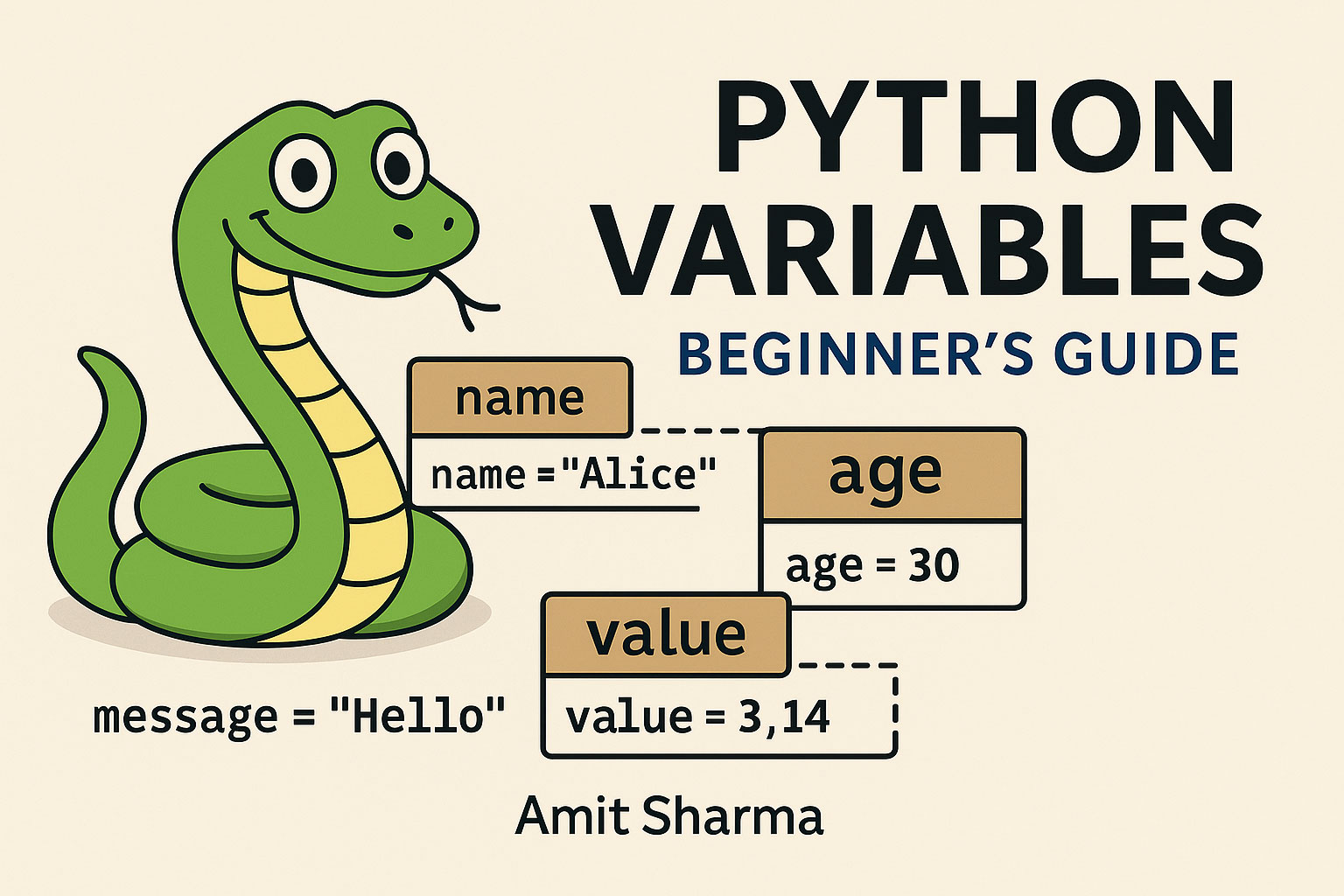
Welcome to Chapter 1.1!
If Python programs were stories, variables would be the characters — each with a name, a personality (type), and a role in the plot.
Let’s learn how they work, with simple and enjoyable examples.
🧩 1. What Is a Variable? (Introduction)
A variable is like a labelled storage box in Python.
You put something inside it (a value), give it a name, and use it later.
Example:
message = "Hello Python!"
Here:
message→ the label"Hello Python!"→ the content inside the box
You can open the box anytime:
print(message)
Python: “Hello Python!”
✍️ 2. Declaring and Assigning Variables
In some languages (like Java), you must declare the type:
int age = 25;
But Python is cool and relaxed:
age = 25
No “int”, no “string”, no paperwork.
Python examines the value and figures out the type automatically.
You can assign:
name = "Amit Sharma"
price = 99.99
is_active = True
🏷️ 3. Naming Conventions (Write Clean Pythonic Code)
Python variable names must follow some rules:
✔ Allowed
- Letters (a–z, A–Z)
- Numbers (0–9)
- Underscores (_)
- Must NOT start with a number
❌ Not allowed
1name = "Amit"     # starts with number
first-name = "Amit"  # hyphens not allowed
✔ Pythonic Naming Style
Use snake_case:
user_age = 30
total_amount = 4500
is_verified = False
❌ Avoid
UserAge = 30      # PascalCase is for Classes
userAge = 30      # camelCase is for Java developers :)
🔍 4. Understanding Variable Types
Python supports many data types.
Here are the most common:
1. Integer
Whole numbers
count = 10
2. Float
Decimal numbers
temperature = 36.7
3. String
Text inside quotes
title = "Learn Python"
4. Boolean
True or False
is_logged_in = True
5. None
Represents “nothing” or “empty”
data = None
🧪 5. Type Checking and Conversion
Sometimes you want to check what type a variable is:
✔ Checking type
age = 25
print(type(age))      # <class 'int'>
✔ Type conversion (casting)
Convert integer to string:
age = 25
age_text = str(age)
Convert string to number:
price = "199"
price_number = int(price)
Convert to float:
value = "3.14"
value_float = float(value)
If you convert something invalid:
age = "twenty"
int(age)
Python:
“I cannot convert poetry into numbers.”
→ ValueError
🔄 6. Dynamic Typing
Python is a dynamically typed language.
This means a variable can change its type anytime — Python doesn’t mind.
Example:
item = 10          # integer
item = "Laptop"    # now a string
item = 3.5         # now a float
Python is flexible, but with great power comes great responsibility.
Changing variable types too often makes code confusing.
Better:
item_count = 10
item_name = "Laptop"
item_weight = 3.5
🧯 7. Practical Examples and Common Errors
✔ Example 1: Calculating total price
quantity = 3
price_per_item = 499.99

total = quantity * price_per_item
print("Total price:", total)
✔ Example 2: Combining strings
first_name = "Amit"
last_name = "Sharma"

full_name = first_name + " " + last_name
print(full_name)
❌ Common Error 1: Mixing strings and numbers
age = 25
text = "Age: " + age
Python:
TypeError: can only concatenate str (not “int”)
Fix:
text = "Age: " + str(age)
❌ Common Error 2: Typos in variable names
name = "Amit Sharma"
print(nam)      # NameError
Tip: use descriptive names to avoid confusion.
🎉 Wrap-up
You learned:
✔ What variables are
✔ How to assign values
✔ Python naming rules
✔ Different variable types
✔ Checking & converting types
✔ Dynamic typing
✔ Real examples and frequent errors
This chapter gives you the foundation to write real Python programs.
Leave a Reply