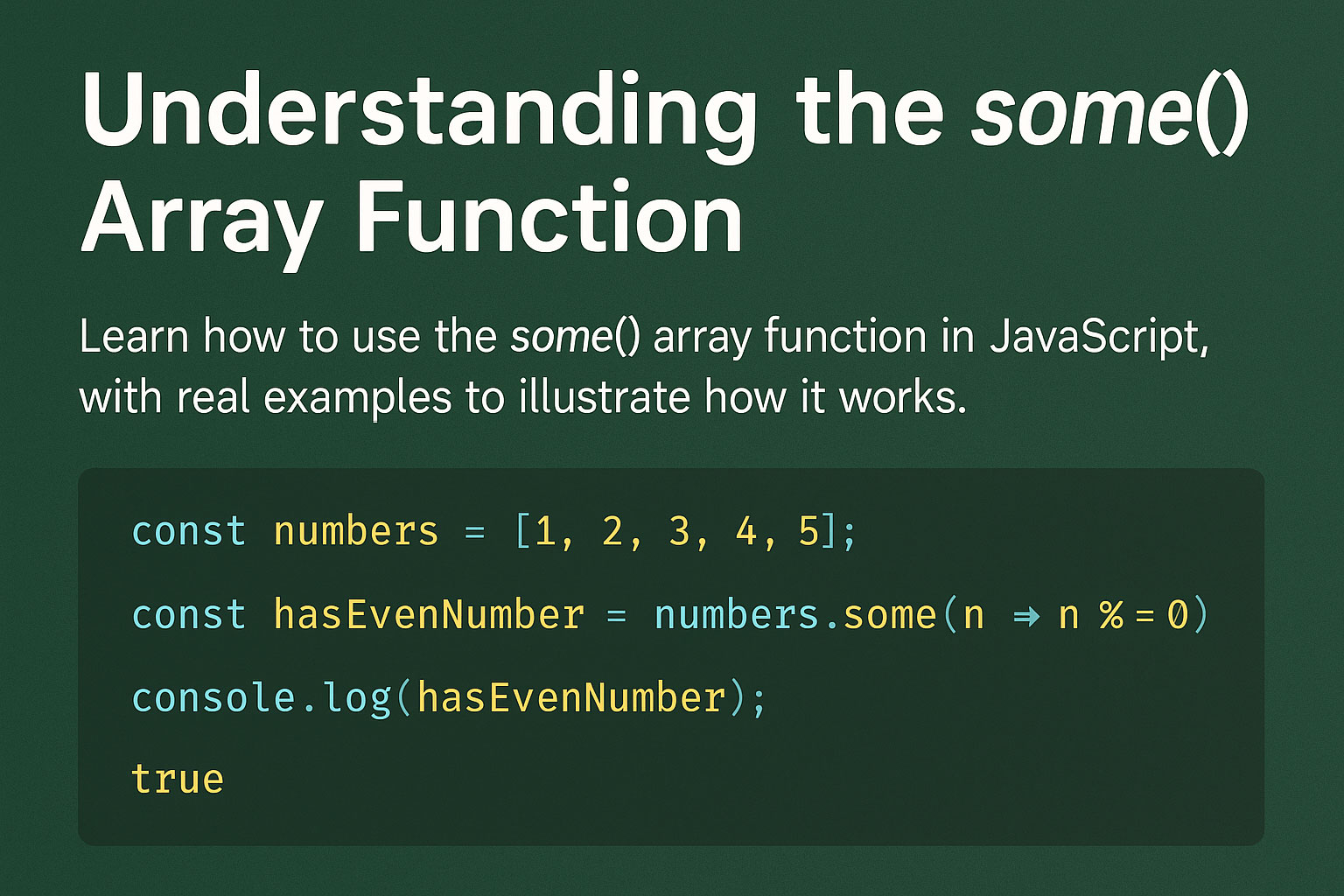
JavaScript arrays come with many built-in superpowers… and some() is one of the coolest ones!
Think of it as your array’s detective:
🕵️♂️ It looks at each item and checks — “Does at least one element satisfy the condition?”
If yes → it returns true
If no → it returns false
Let’s break it down in a fun & friendly way!
🎯 What Exactly Does some() Do?
some() helps you answer this question:
“Is there at least one element in the array that matches my test?”
It stops as soon as it finds a match — super efficient!
Syntax
array.some(callback);
Callback gets:
- value → item
- index (optional)
- array (optional)
🚀 Real-World Examples That Actually Make Sense
✅ Example 1: Does this list of numbers contain an even number?
const numbers = [1, 3, 7, 8, 11];

const hasEven = numbers.some(num => num % 2 === 0);

console.log(hasEven); // true
Because 8 is even → the detective says true!
📱 Example 2: Check if any user is online
const users = [
  { name: "Amit", online: false },
  { name: "Riya", online: false },
  { name: "Karan", online: true }
];

const someoneOnline = users.some(user => user.online);

console.log(someoneOnline); // true
Yup! Karan saves the day.
🔍 Example 3: Validate if a form field is empty
const fields = ["Amit", "Sharma", "developer", ""];

const hasEmpty = fields.some(field => field.trim() === "");

console.log(hasEmpty); // true
Good for frontend form validation!
🛒 Example 4: Check if cart contains out-of-stock items
const cart = [
  { item: "Laptop", inStock: true },
  { item: "Mouse", inStock: true },
  { item: "Keyboard", inStock: false }
];

const blocked = cart.some(product => product.inStock === false);

console.log(blocked); // true
You probably saw this in e-commerce sites!
🧠 Why some() is Super Useful
- Fast — stops searching as soon as condition is met
- Great for searches
- Perfect in validation logic
- Amazing for checking flags / statuses
⚡ Common Mistake to Avoid
❌ Forgetting to return inside callback
numbers.some(num => { num > 5 });
This returns undefined, so result will always be false.
✔ Correct:
numbers.some(num => num > 5);
🏁 Final Thoughts
The some() function is small but mighty.
Whenever you want to check if at least one item meets a condition, just call in your array detective! 🕵️♂️✨
Leave a Reply